Localization.One offers native support for Java Resource Bundles. Forget about manually editing .properties files and dealing with encoding issues. Export your translations directly in the standard format required by the JVM, Spring Boot, and Kotlin.
Why Developers choose our Java API?
- Key Safety: We automatically escape special characters in keys (spaces, colons, equals signs), ensuring your ResourceBundle loads correctly.
- UTF-8 Ready: We generate modern, clean files suitable for Spring Boot and modern Java applications, eliminating the need for native2ascii conversion.
- Commented Headers: Files include timestamp headers, making it easy to track when the localization file was last generated.
Advanced Project Management
We provide powerful tools to keep your localization organized, no matter how large your project grows.
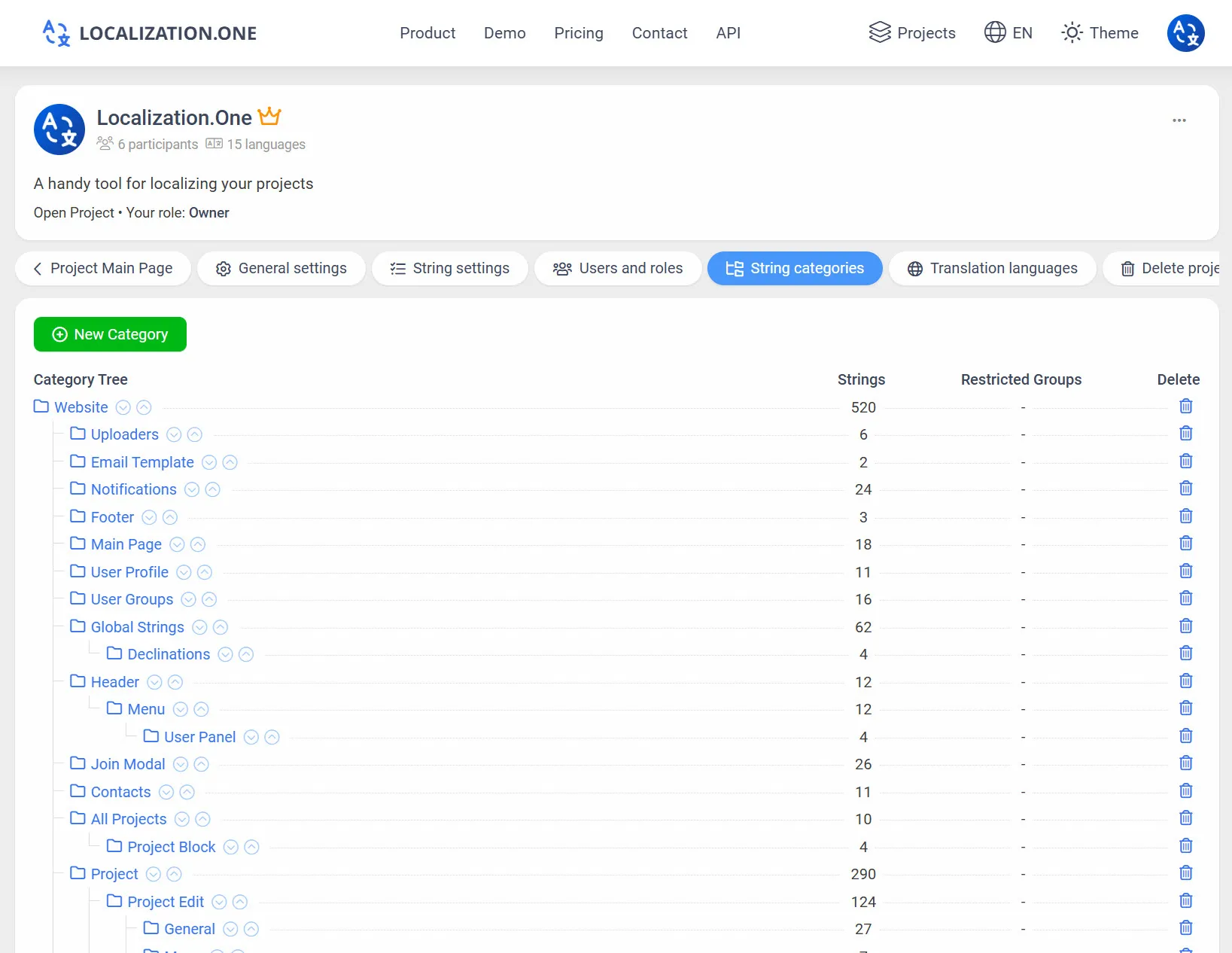
Categorization: Group your strings into a logical folder tree (e.g., messages, validation, errors) to match your resource bundle structure.
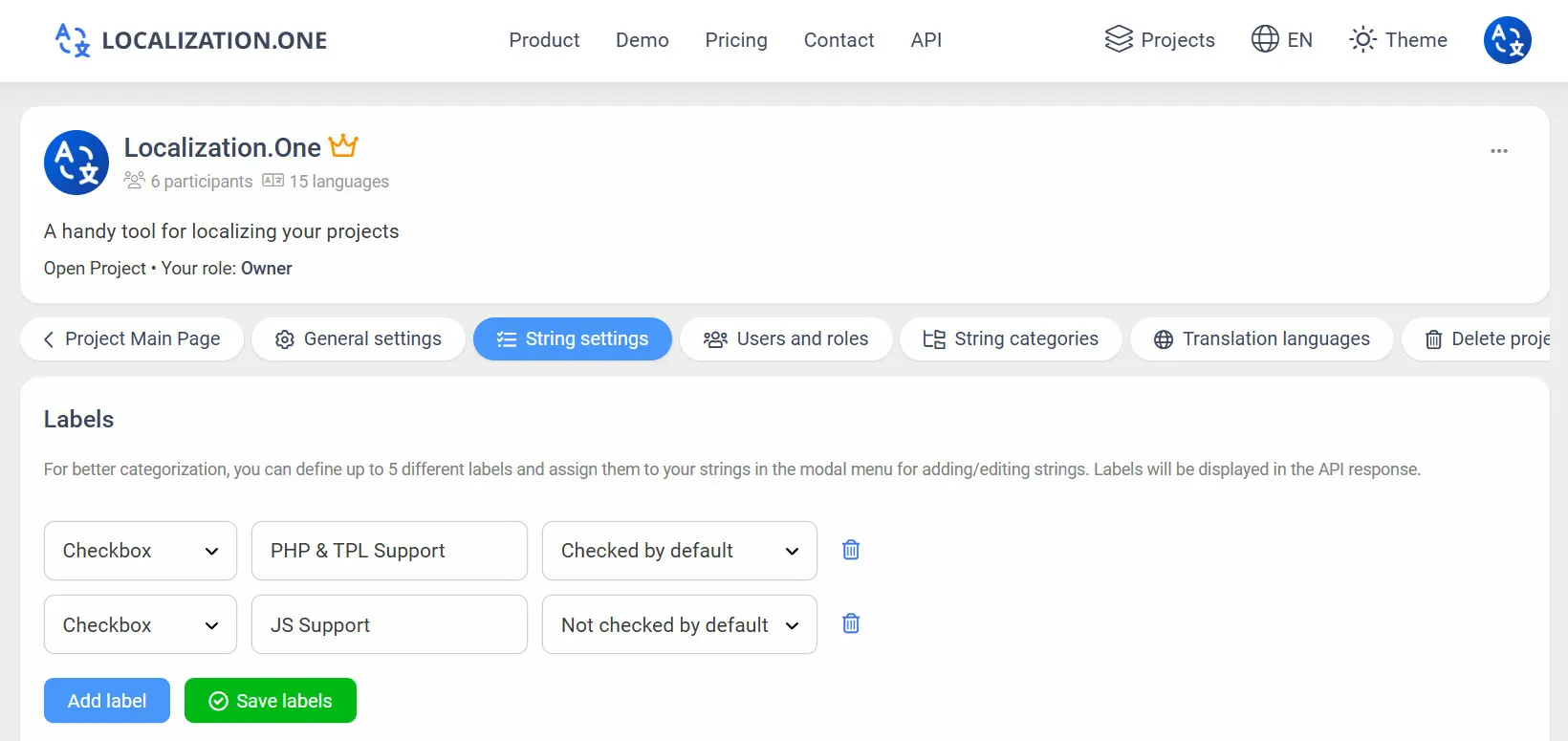
Labels & Tags: Mark strings with custom labels to filter exports via API.
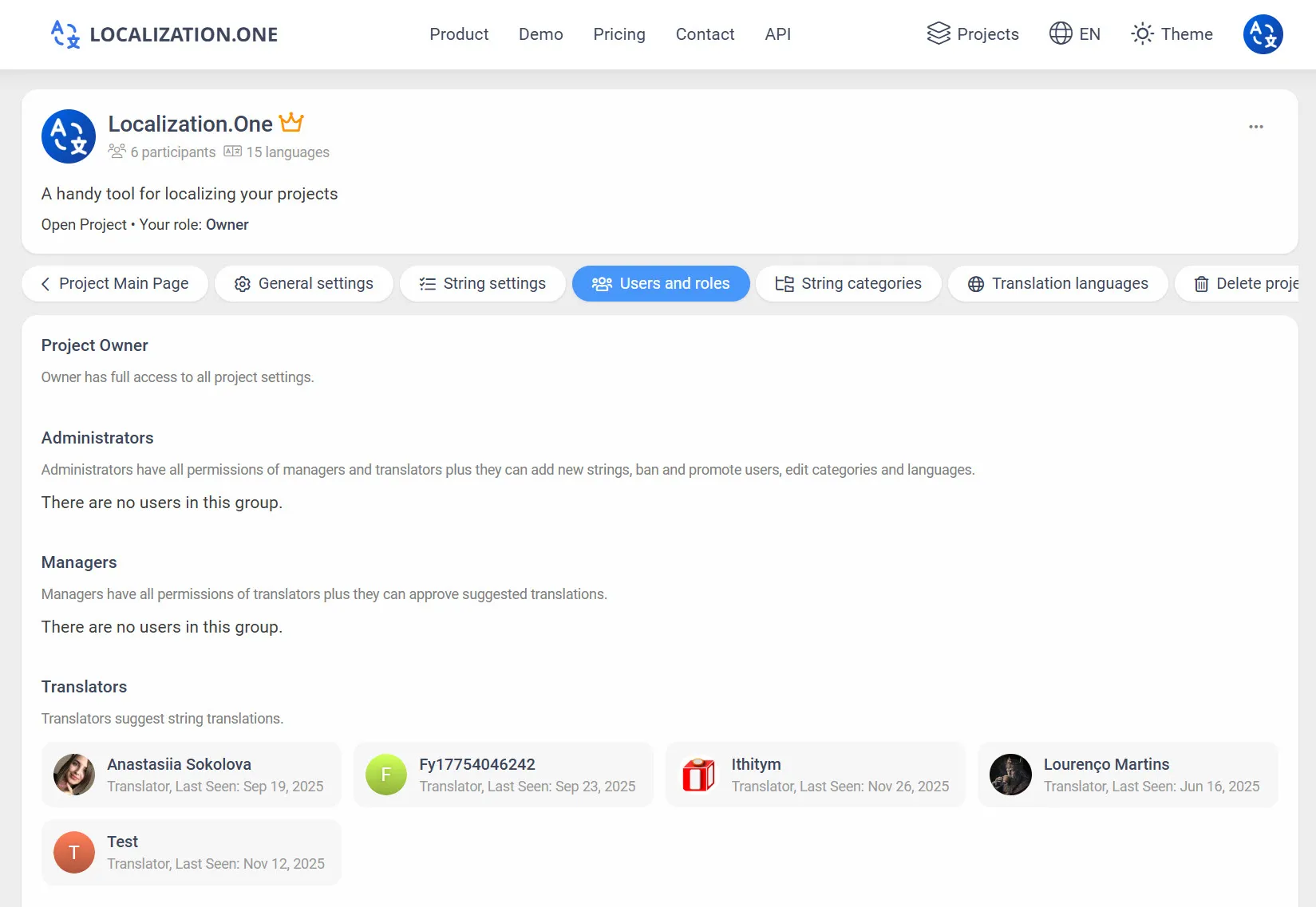
Roles & Permissions: Invite unlimited team members and assign granular roles (Owner, Admin, Manager, Translator).
Webhooks: Receive notifications on your server whenever translations are updated or approved.
How to Integrate
Option 1: Manual Export (UI)
Useful for local development or checking content.
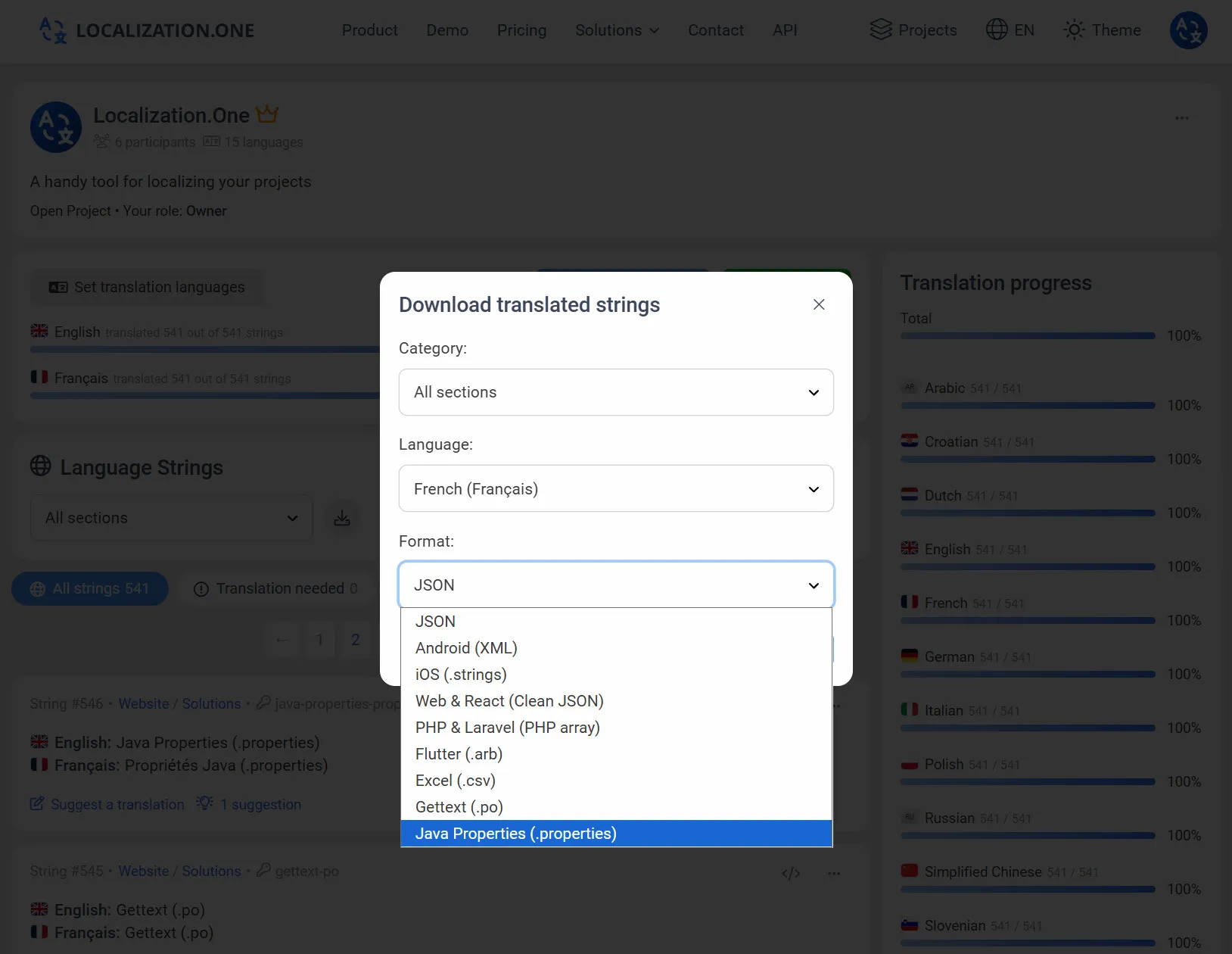
- Go to your Project Dashboard.
- Click the Download button.
- Select Java Properties from the format dropdown.
- Choose the language and download the .properties file.
Option 2: Automate with API (CI/CD)
Fetch the latest translations directly in your Maven or Gradle build pipeline. Pass the format=properties parameter.
bash
# Download English resources
curl "https://api.localization.one/{YOUR_API_KEY}/getTranslations?translation_language=1&format=properties" > src/main/resources/messages_en.properties

# Download French resources
curl "https://api.localization.one/{YOUR_API_KEY}/getTranslations?translation_language=3&format=properties" > src/main/resources/messages_fr.properties
Option 3: Push via Webhooks
Configure a Webhook URL in your project settings to automate the process entirely.
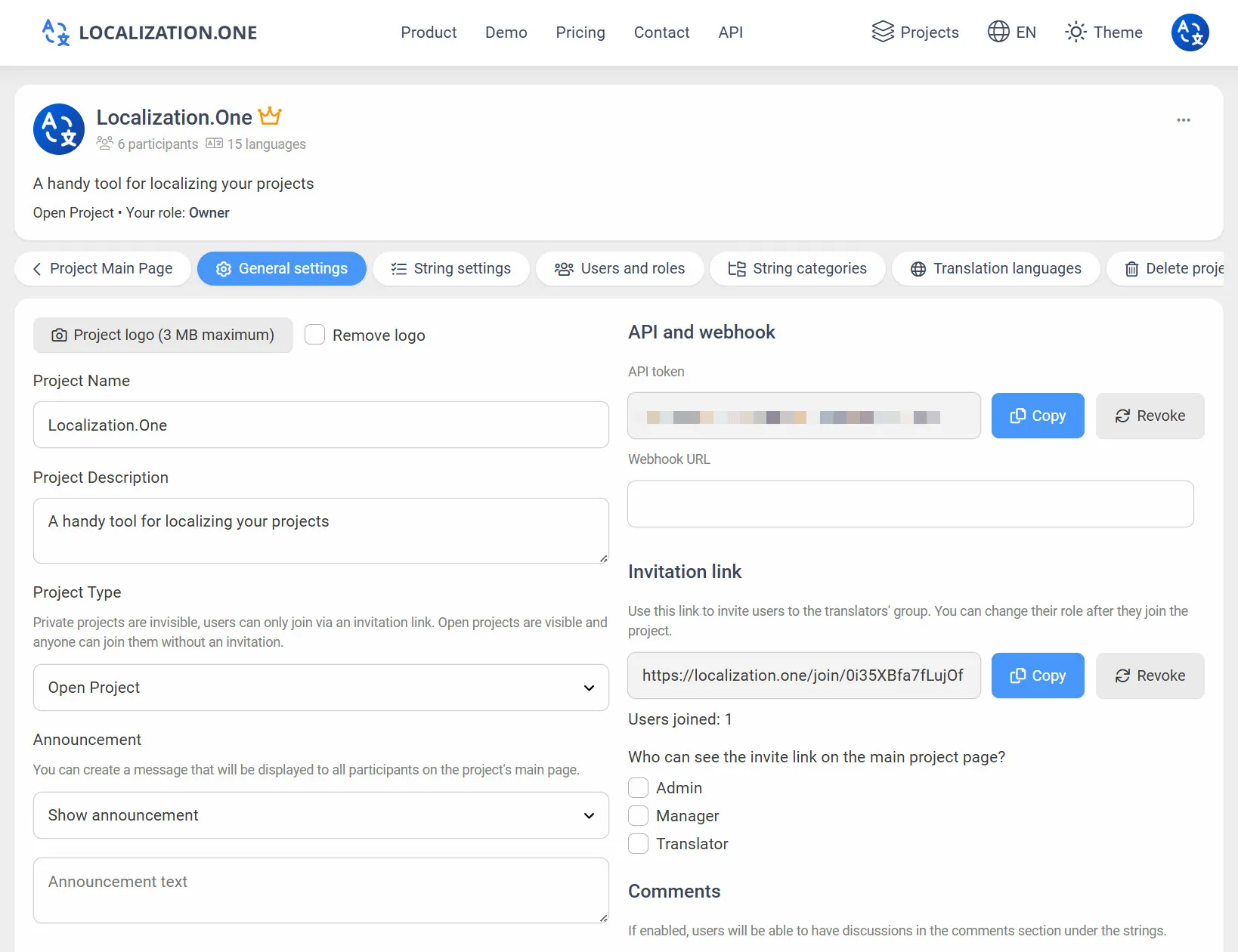
- Quick Updates: Your server receives a POST request shortly after changes (usually within 5 minutes).
- Hot Reload: Trigger your application to reload resource bundles when new translations are available.
Frequently Asked Questions
Do I need to run native2ascii?
No. We export files in modern UTF-8 encoding. Most modern Java frameworks (Spring Boot 2+, Java 9+) read UTF-8 properties files by default. If you are on a very old legacy system, you might still need a conversion step.
How are spaces handled in keys?
The .properties format does not allow spaces in keys. Our API automatically escapes spaces and special characters (like = or :) in keys to prevent syntax errors.
Mobile development:
- Building for Android? Switch to our Android XML Guide.
- Building with Flutter? See Flutter ARB Integration.
Ready to streamline your Java localization? Create your free account today.