Localization.One offers native support for PHP and Laravel workflows. Stop copy-pasting arrays and dealing with syntax errors. Export your translations directly as native PHP files ready for your lang/ directory.
Why Developers choose our Laravel API?
- Native PHP Arrays: We generate valid PHP files returning an array (return [ 'key' => 'value' ];), which is the standard for Laravel and Symfony.
- Syntax Safe: Single quotes (') are automatically escaped (\'), ensuring your application never crashes due to a syntax error in a language file.
- Zero Overhead: No need to parse JSON at runtime. Use native PHP performance for your localization.
Advanced Project Management
Keep your backend localization organized and scalable.
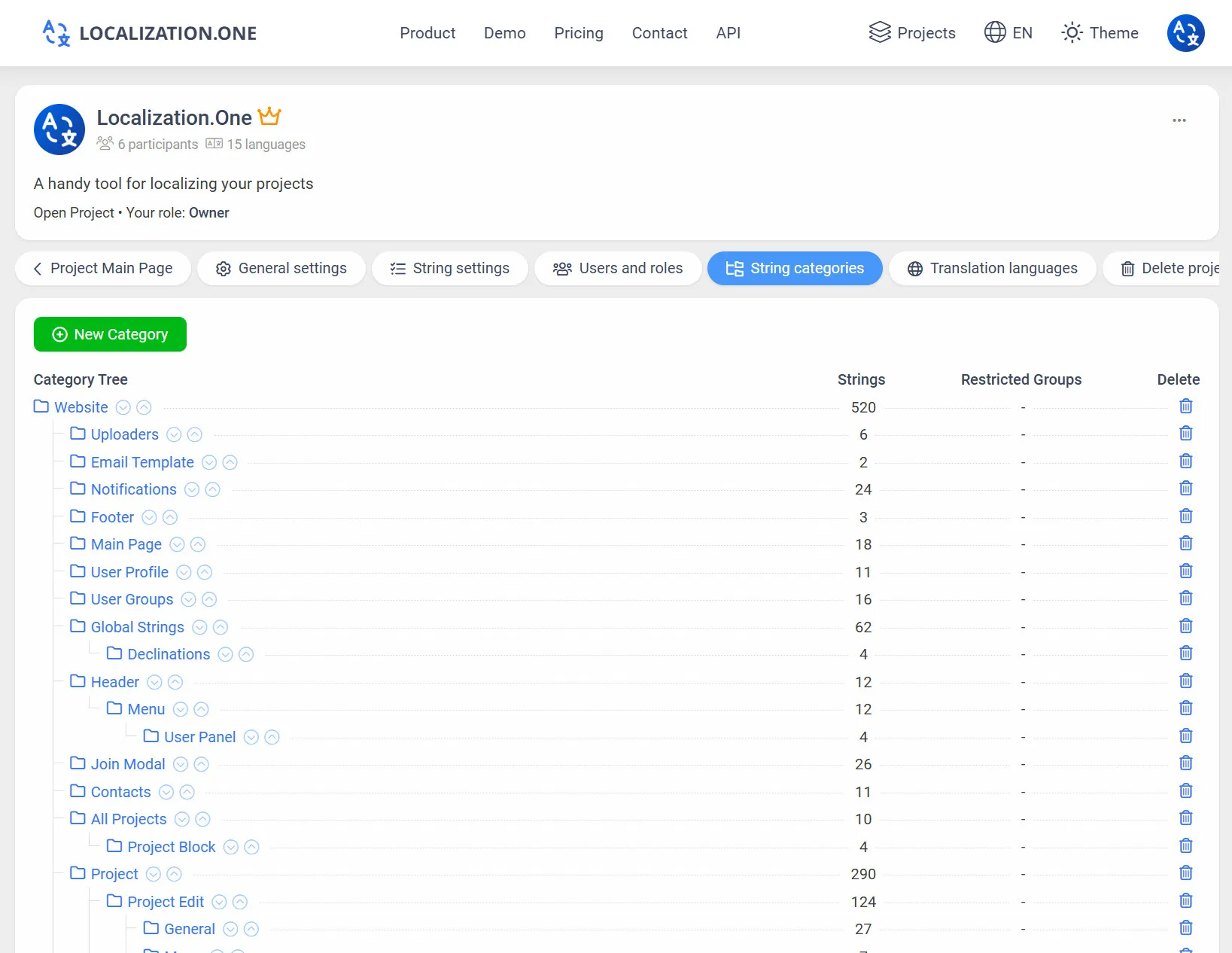
File Organization: Use Categories to group strings into logical files (e.g., auth, pagination, messages) to match Laravel's directory structure.
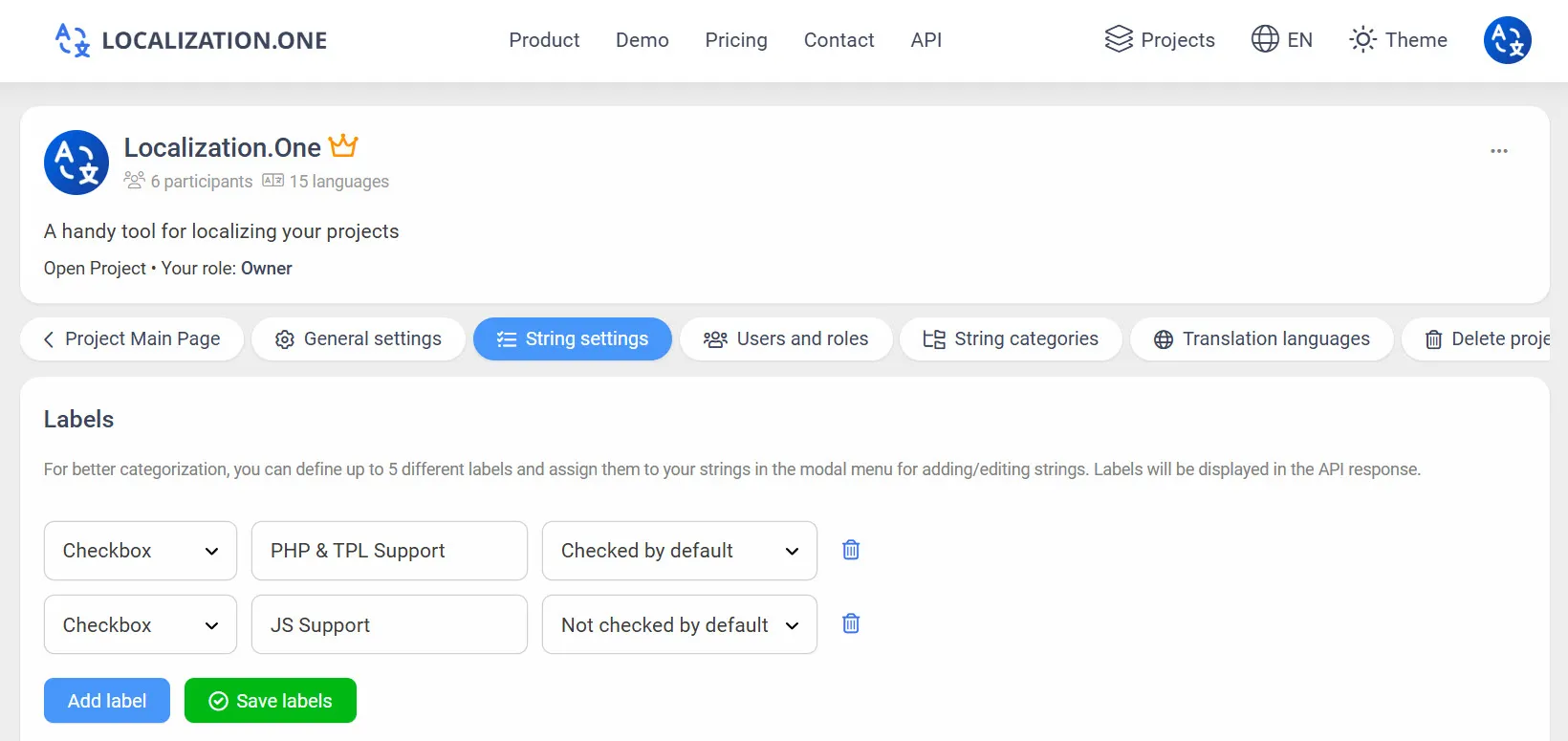
Labels & Tags: Mark strings with custom labels like "Email Templates" or "Validation" to filter exports.
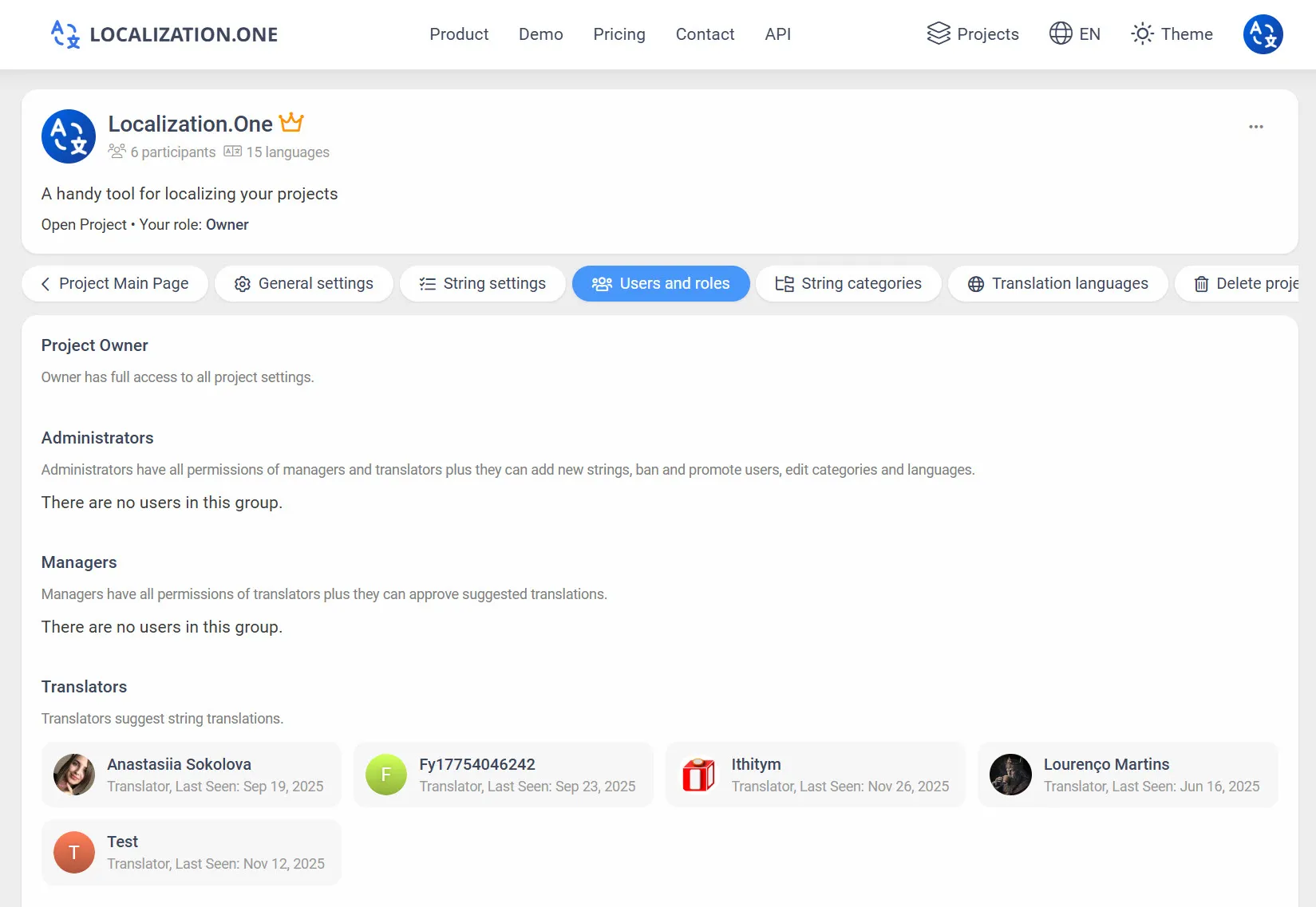
Roles & Permissions: Invite content managers to edit text without giving them access to your codebase.
Webhooks: Trigger deployment scripts automatically when translations are updated.
How to Integrate
Option 1: Manual Export (UI)
Useful for quick updates or checking content.
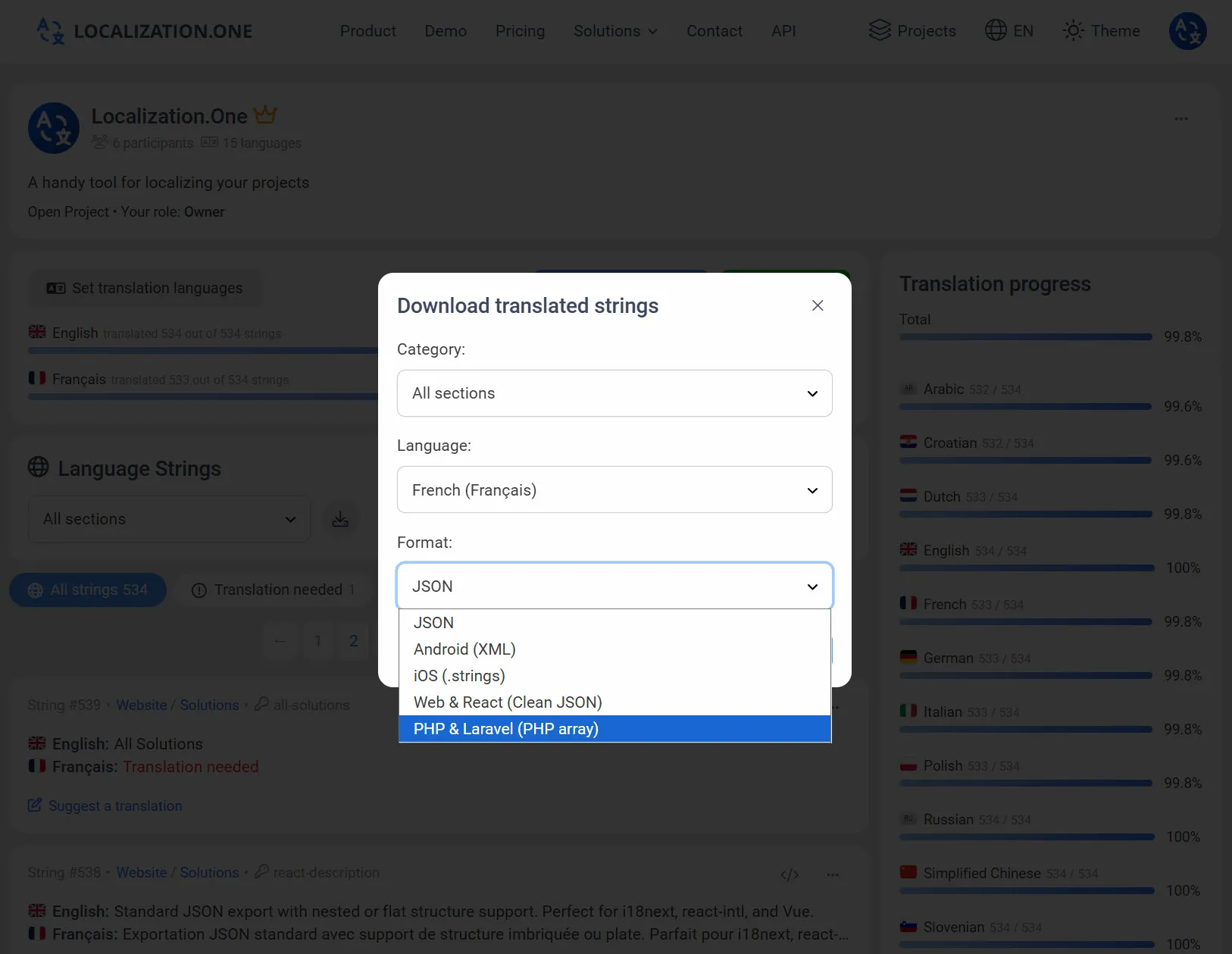
- Go to your Project Dashboard.
- Click the Download button.
- Select Laravel PHP from the format dropdown.
- Choose the language and download the .php file.
Option 2: Automate with API (CI/CD)
Fetch the latest translations using a simple command in your deployment script (Envoyer, Forge, or custom shell script). Pass the format=php-array parameter.
# Download English messages
curl "https://api.localization.one/{YOUR_API_KEY}/getTranslations?translation_language=1&format=php-array" > lang/en/messages.php

# Download Spanish messages
curl "https://api.localization.one/{YOUR_API_KEY}/getTranslations?translation_language=2&format=php-array" > lang/es/messages.php
Option 3: Push via Webhooks
Configure a Webhook URL in your project settings to receive notifications about translation updates.
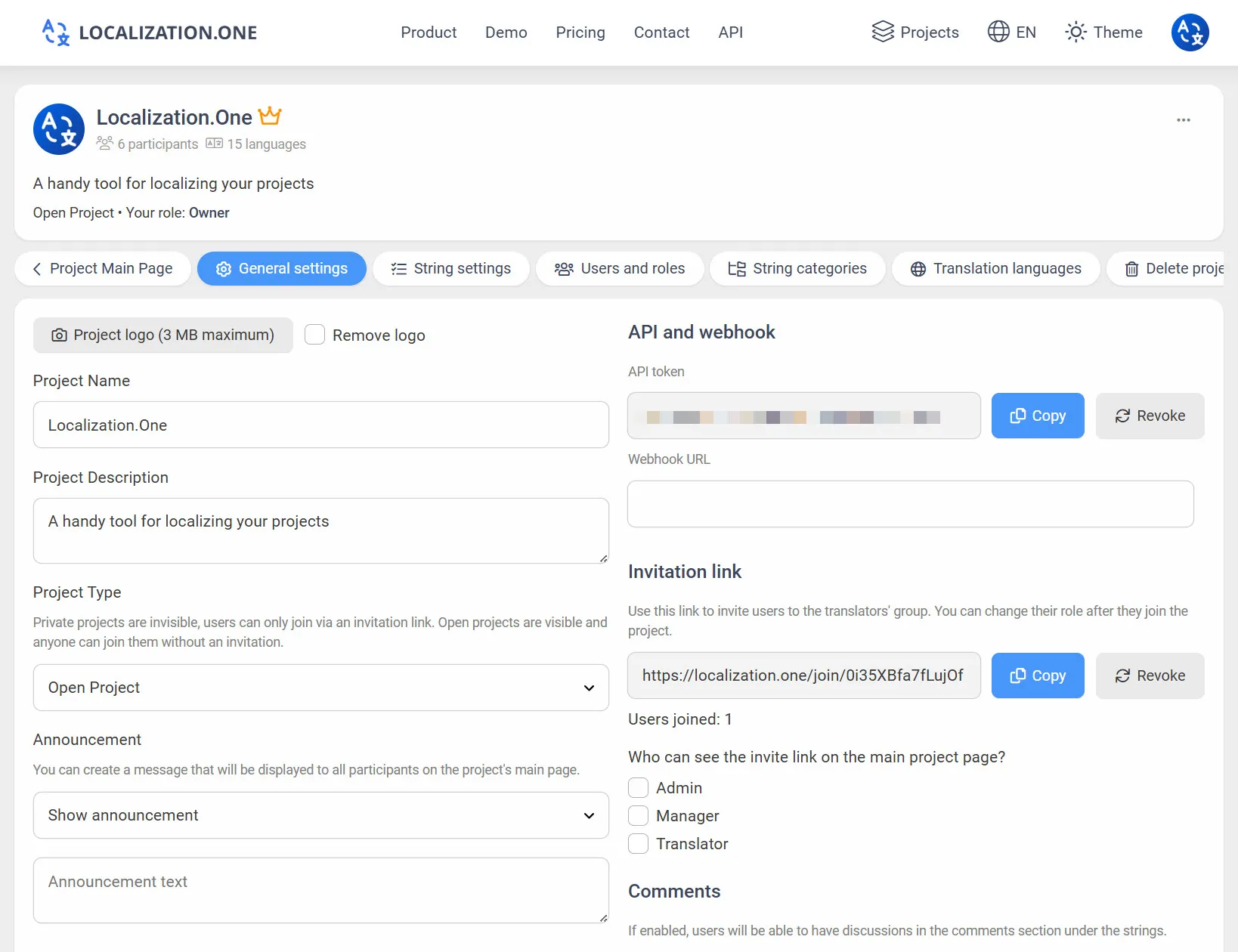
- Quick Updates: Your server receives a POST request shortly after changes (usually within 5 minutes).
- Sync CMS: Automatically update content on your backend without polling the API.
- Cache Clearing: Use the webhook to trigger php artisan optimize:clear or similar commands after updating language files.
Frequently Asked Questions
Where should I save the file?
For modern Laravel versions (9+), save the downloaded file to lang/{locale}/messages.php. For older versions, use resources/lang/{locale}/messages.php.
Does it support parameters?
Yes. You can include standard Laravel placeholders (e.g., :name, :count) in your translation strings. Our editor preserves them exactly as written.
Frontend integration:
- Building a React or Vue frontend? See our React JSON Guide.
- Need legacy support? Check out Gettext (.po) Integration.
Ready to streamline your backend localization? Create your free account today.